 b68cf9a1ae
* Improve design of ShoppingListItems

* Improve scrolling behaviour of ShoppingListItemEditor

* Add search functionality to food and unit fields in ShoppingListItemEditor

* Add functionality to display plurals of units in shopping lists

* Fix tests

* Ensure editor displays correctly when switching to food mode.

- Fixed a bug causing the editor to display incorrectly when switching to food mode while at the bottom of the screen

* Fix regressions caused in 5dff173

- Fixed a regression introducing incorrect scrolling behaviour when editing items at the bottom of the page
- Fixed a regression causing the add button to not be hidden

* Prefill fields in ShoppingListItemEditorFoodRow if possible

* Remove unnecessary trigger for bringIntoView function

- Remove unnecessary trigger for bringIntoView function of ShoppingListItemEditor

* Display showAddButton dynamically

* Add support for food plurals

* Extract plural functionality to function

* Remember filtering options

* Use ExposedDropdownMenu instead of DropdownMenu

- Updated selection of foods and units to use ExposedDropdownMenu
- Updated composeBom to 2024.09.02
- Updated composeBom to 2024.09.02 to increment androidx.compose.material3 to 1.3.0 needed for androidx.compose.material3.MenuAnchorType

* Only allow one edit menu to be open at a time



Mealient
DISCLAIMER
This project is developed independently from the core Mealie project. It is NOT associated with the core Mealie developers. Any issues must be reported to the Mealient repository, NOT the Mealie repository.
What is this?
An unofficial Android client for Mealie. It enables you to easily access your recipes using an Android device. The main advantage over website is that recipe data is stored locally and can be accessed without the Internet connection.
Status
Current version is a very early alpha which supports a small subset of the Mealie capabilities. Displays the list of recipes, some information about each of the recipes, even recipe creation is available! The list of shopping lists is also available, each shopping list can be viewed and modified.
Screenshots
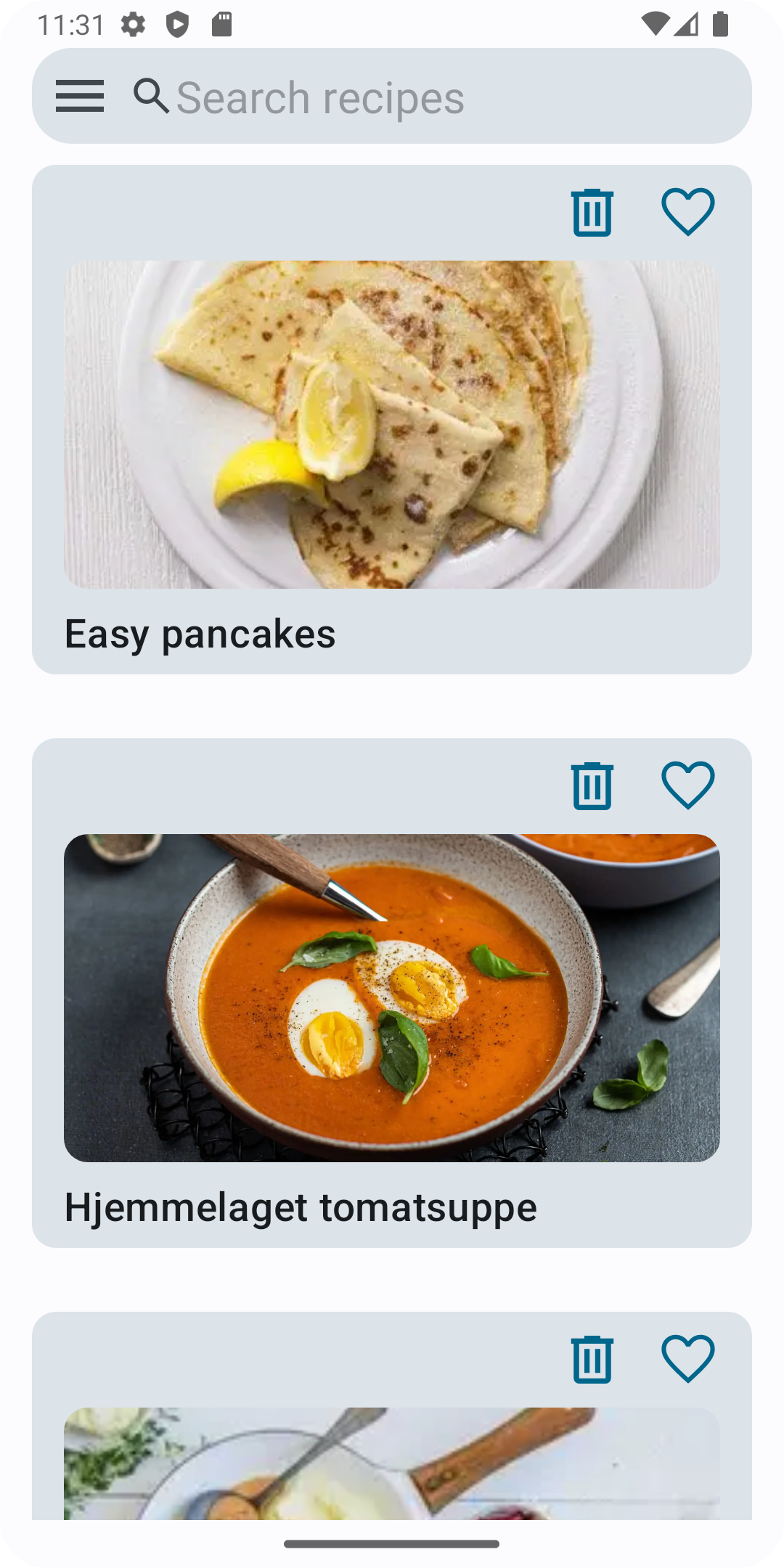
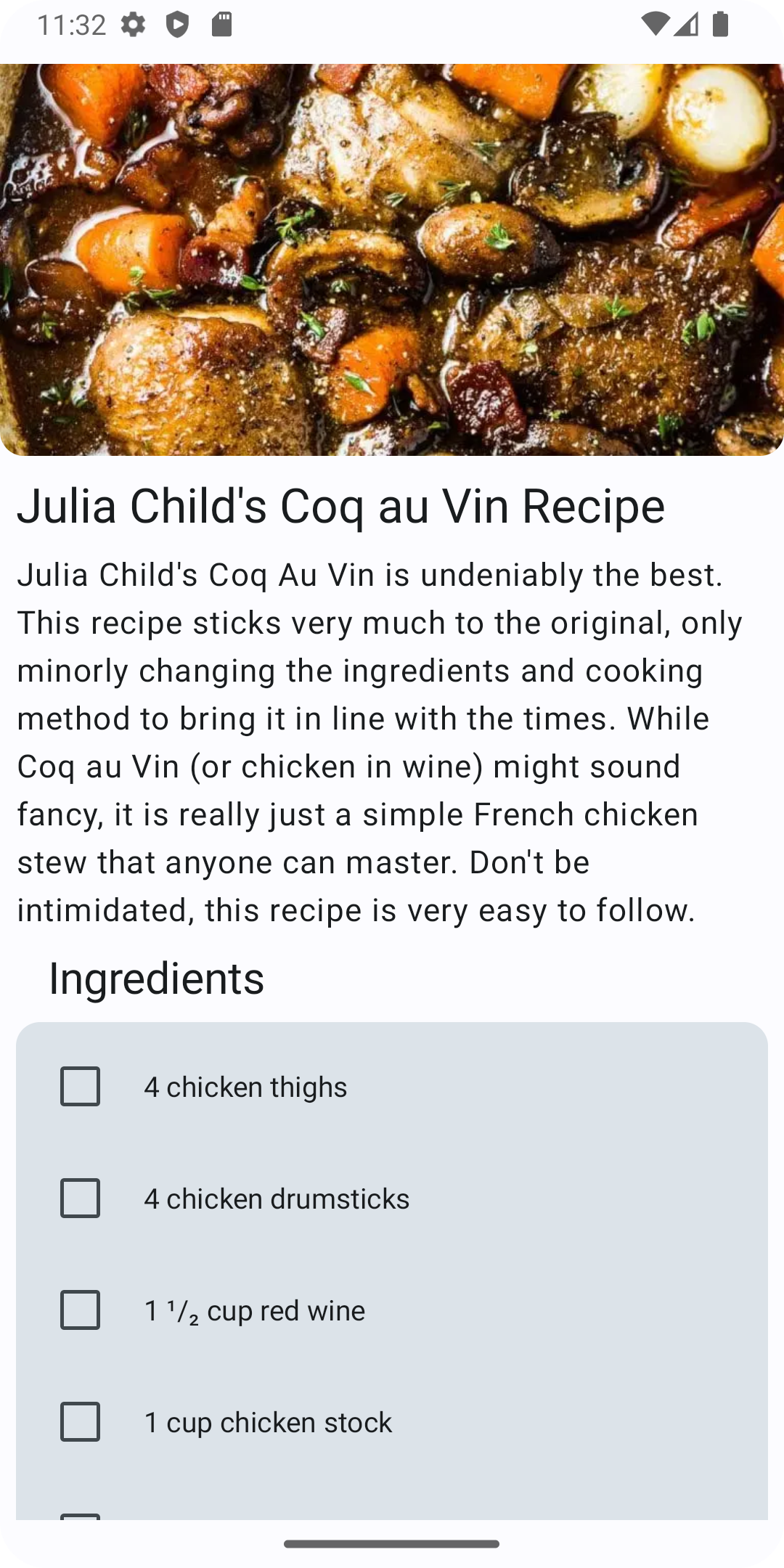

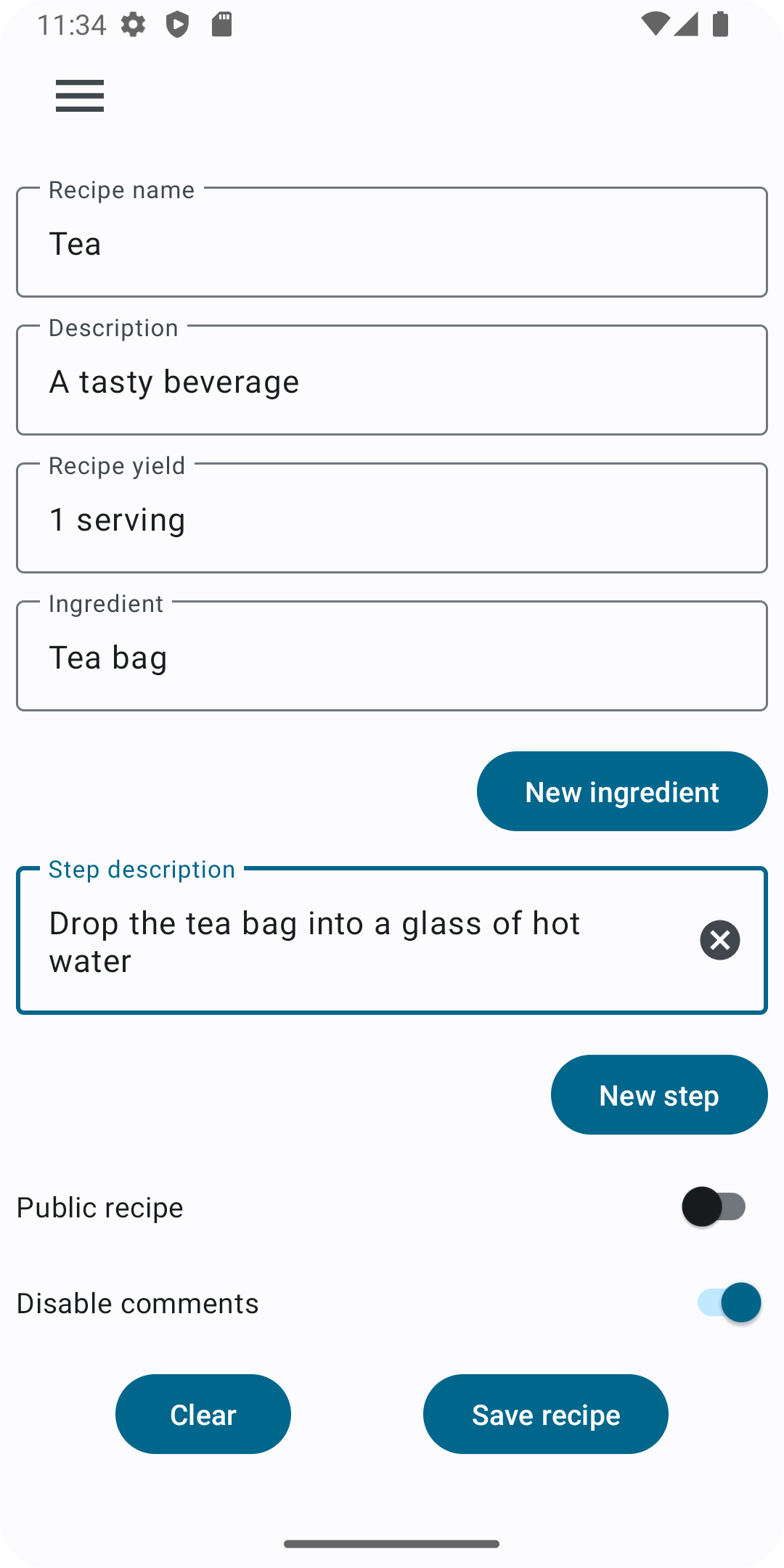

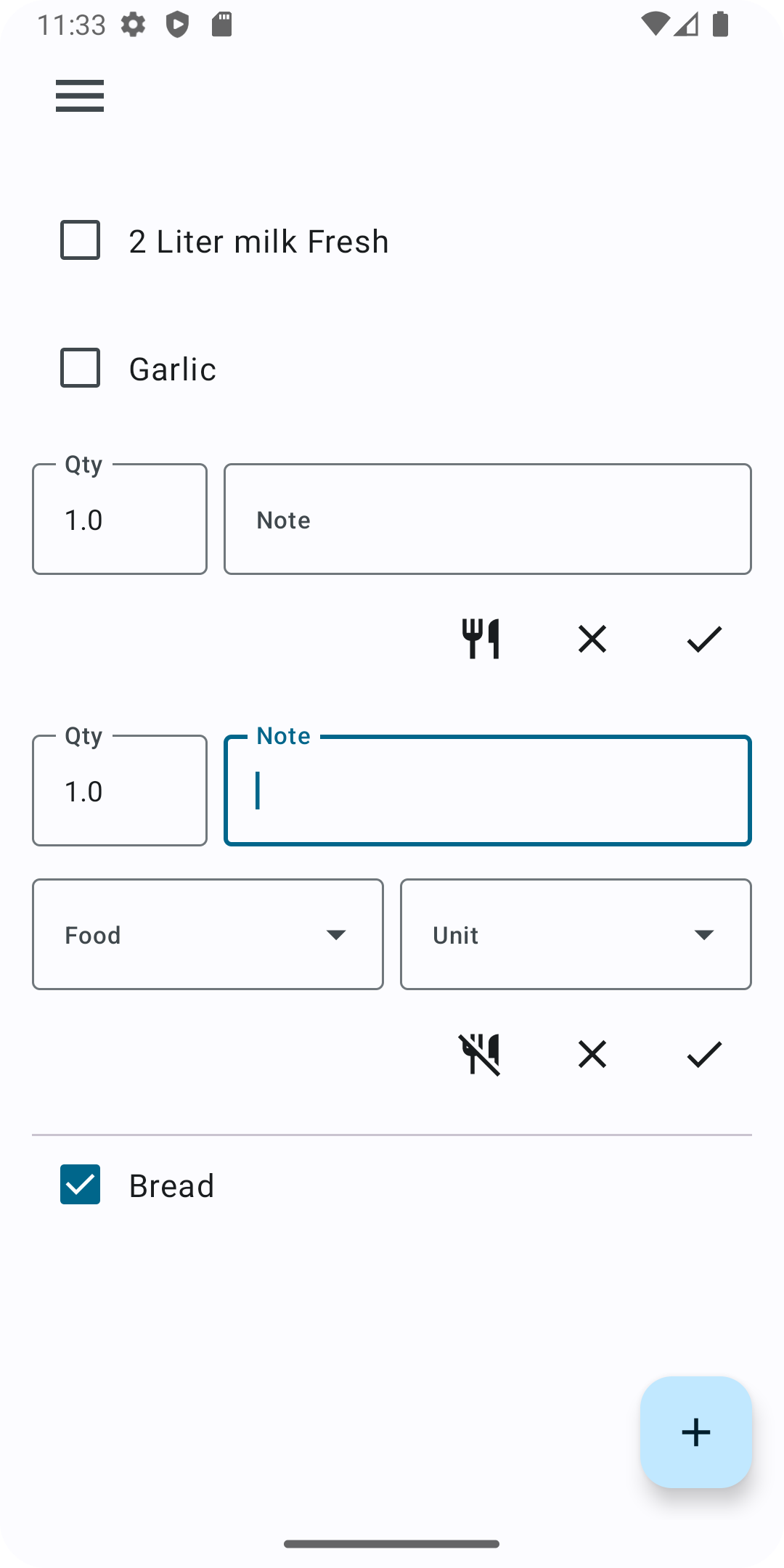
How to install
There are three ways:
- Install it with Google Play using the badge above.
- Install it with F-droid using the badge above.
- Download the latest apk from the releases page.
Contribution
Any contribution is greatly appreciated: translations, bug reports, feature requests and any PR.