 de4df95a0e
* Migrate disclaimer screen to Compose

* Migrate base URL screen to Compose

* Migrate base URL screen to Compose

* Migrate authentication screen to Compose

* Initialize add recipe screen

* Remove unused resources

* Display add recipe operation result

* Add delete icon to ingredients and instructions

* Allow navigating between fields on add recipe

* Allow navigating between fields on authentication screen

* Allow to proceed from keyboard on base url screen

* Use material icons for recipe item

* Expose base URL as flow

* Initialize Compose navigation

* Allow sending logs again

* Allow to override navigation and top bar per screen

* Add additional logs

* Migrate share recipe screen to Compose

* Fix unit tests

* Restore recipe list tests

* Ensure authentication is shown after URL input

* Add autofill to authentication

* Complete first set up test

* Use image vector from Icons instead of drawable

* Add transition animations

* Fix logging host in Host header

* Do not fail test if login token is used



Mealient
DISCLAIMER
This project is developed independently from the core Mealie project. It is NOT associated with the core Mealie developers. Any issues must be reported to the Mealient repository, NOT the Mealie repository.
What is this?
An unofficial Android client for Mealie. It enables you to easily access your recipes using an Android device. The main advantage over website is that recipe data is stored locally and can be accessed without the Internet connection.
Status
Current version is a very early alpha which supports a small subset of the Mealie capabilities. Displays the list of recipes, some information about each of the recipes, even recipe creation is available! The list of shopping lists is also available, each shopping list can be viewed and modified.
Screenshots
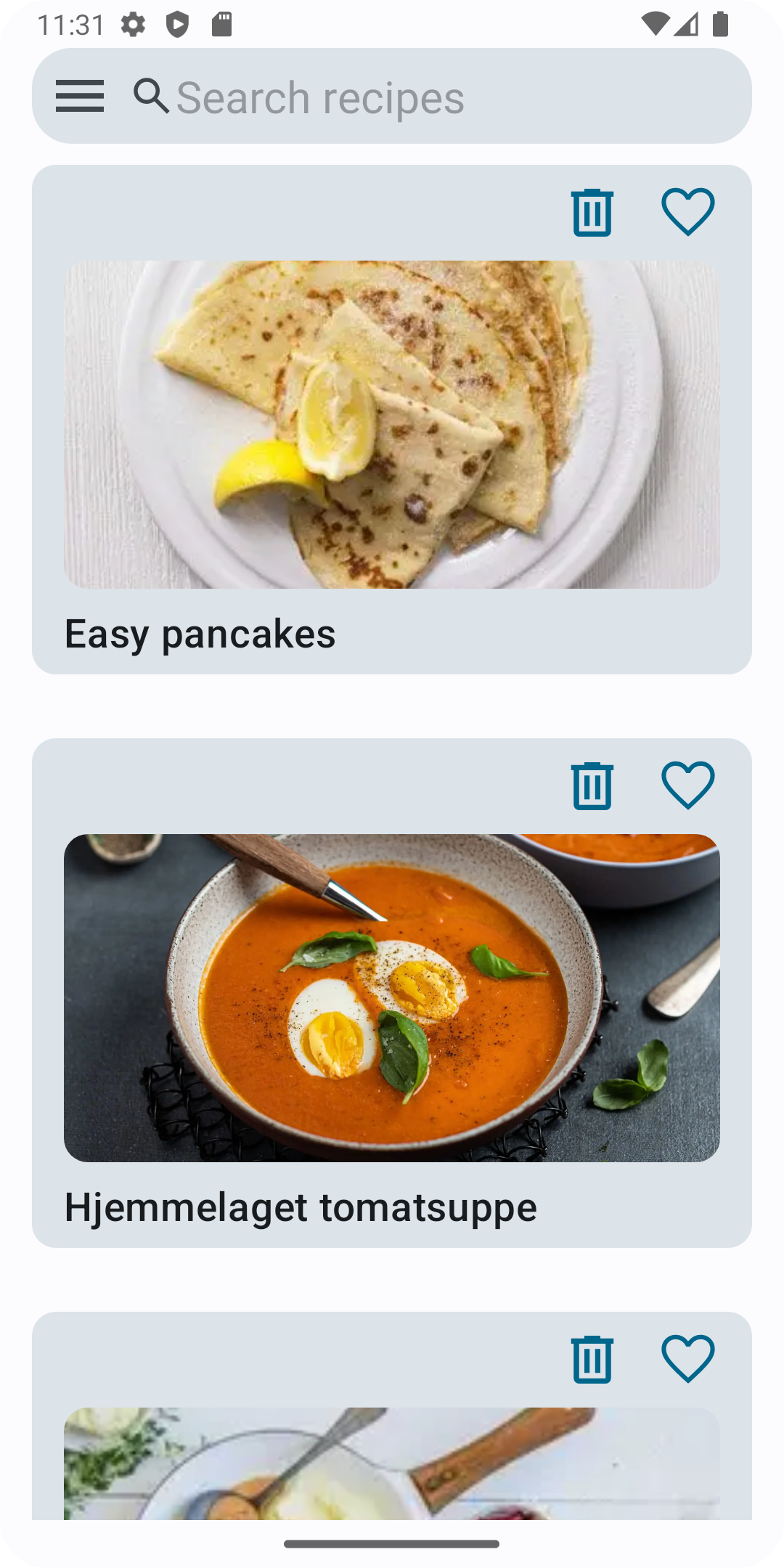
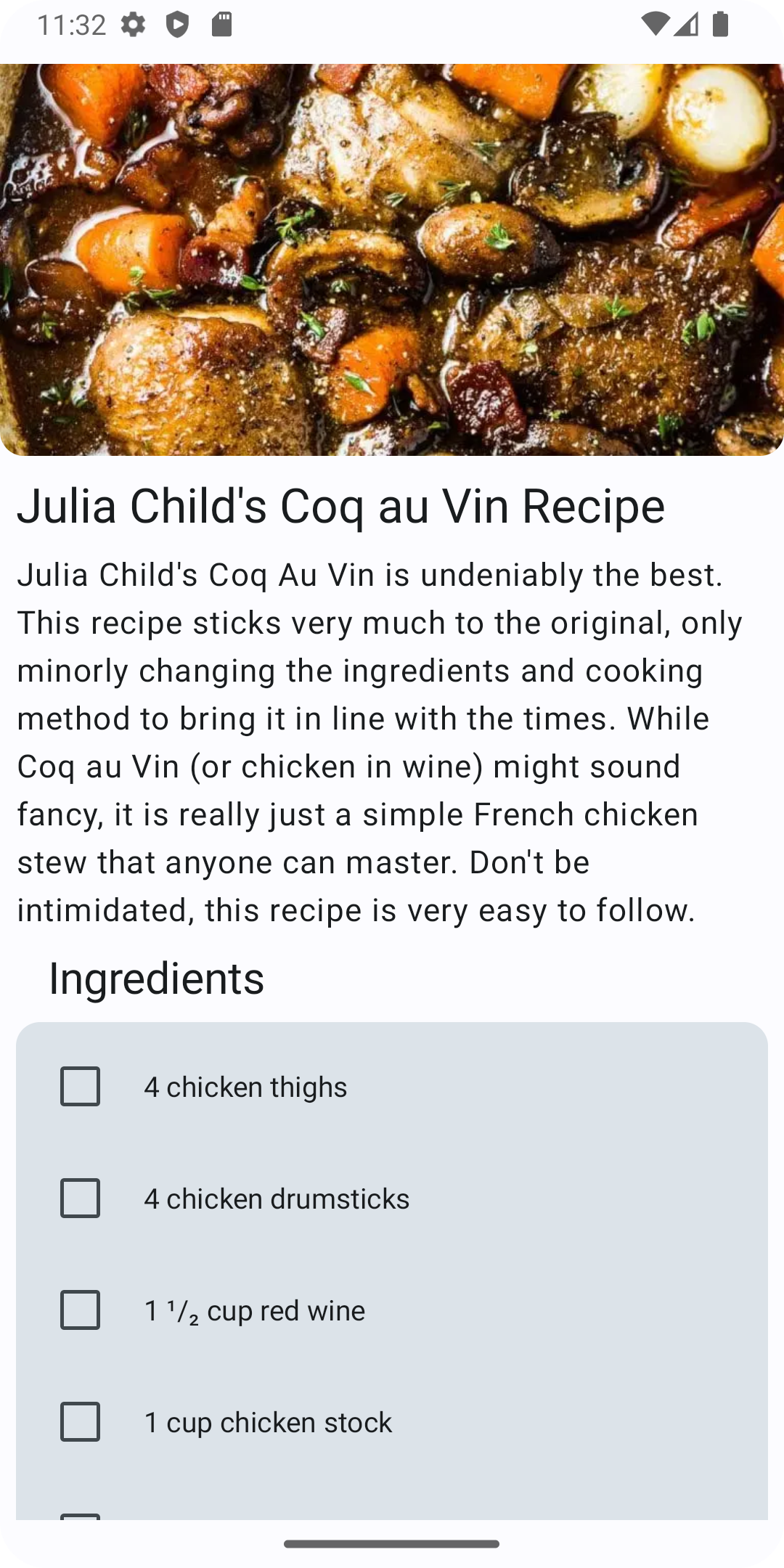

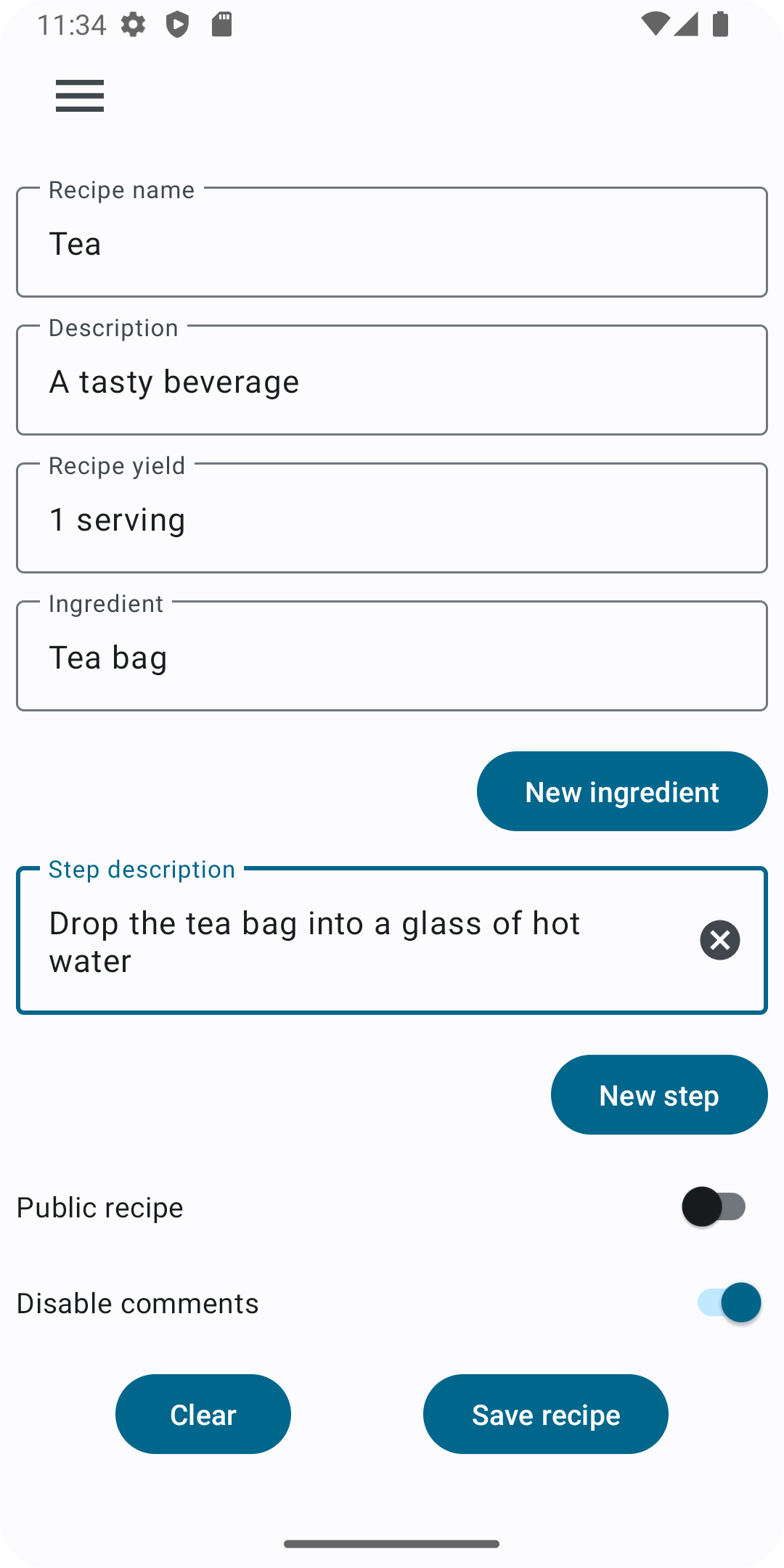

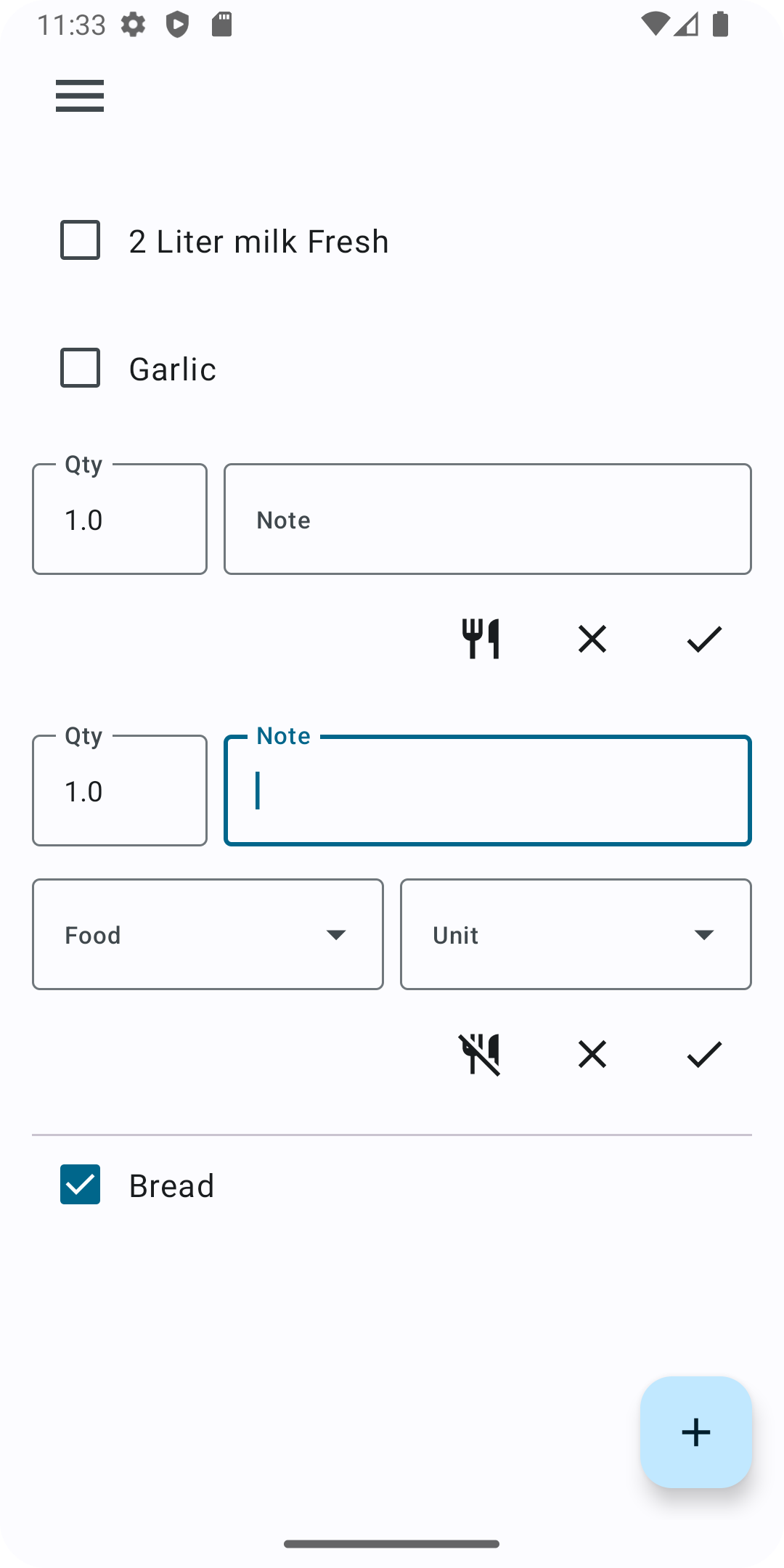
How to install
There are three ways:
- Install it with Google Play using the badge above.
- Install it with F-droid using the badge above.
- Download the latest apk from the releases page.
Contribution
Any contribution is greatly appreciated: translations, bug reports, feature requests and any PR.